Phantom Blade Zero PC Requirements & PS5 Graphics Modes Explained
Official PC specs, ray tracing and path tracing targets, the NVIDIA driver to use, and which PS5 mode Digital Foundry recommends.
Official PC requirements
| Tier | Spec | Target |
|---|---|---|
| Minimum | i5-8700K / Ryzen 5 3600, 16 GB RAM, GTX 1660 6 GB / RX 5500 XT 8 GB, SSD | 1080p / 30 |
| Recommended | i5-10600K / Ryzen 5 5600X, 16 GB RAM, RTX 3060 Ti / RX 6700 XT, SSD | 1440p / 60 |
| Ray tracing | RTX 5060 class | RT 1080p / 60 |
| Path tracing | RTX 5080 class | PT 4K / 60 |
The PC version supports DLSS (including DLSS 4.5 upscaling and multi-frame generation), FSR, and XeSS. It’s built on Unreal Engine 5.7.4 and carries Denuvo. Ray tracing and path tracing toggles are only changeable from the main menu.
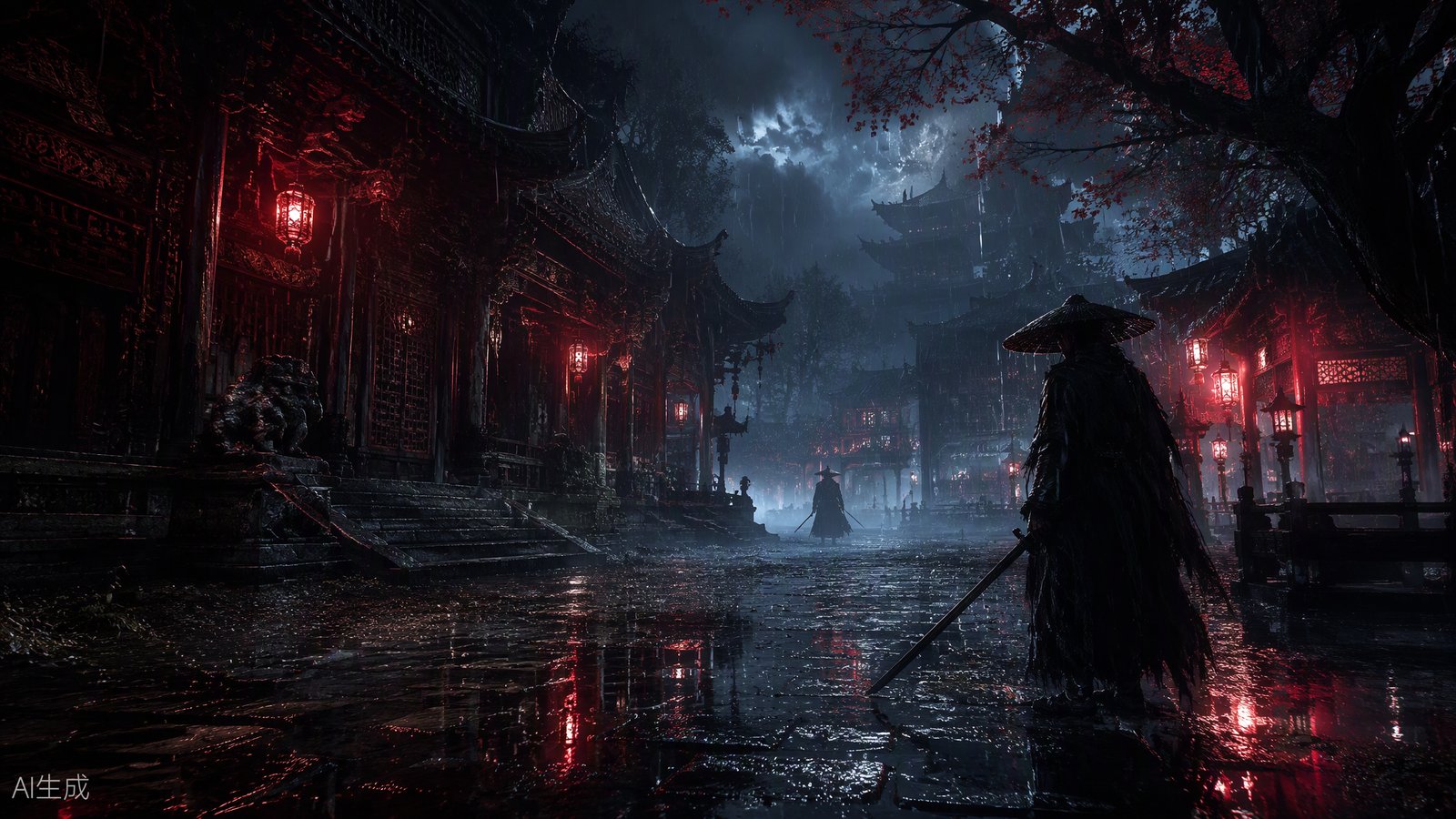
What did benchmarks find?
- Rasterization is well optimized: high-end cards clear 60 fps at native 1080p Ultra, and RTX 4090/5090-class cards do the same at native 1440p. Native 4K Ultra is essentially RTX 5090 territory (around 60, with dips).
- Path tracing is a showcase mode: an RTX 5090 manages only 25–27 fps at native 4K — add DLSS Quality and frame generation to make it playable.
- DLAA + ray reconstruction beats native TSR — roughly 10 fps faster and better looking.
- Turn motion blur off if you use frame generation; fast camera moves otherwise smear badly.
- Expect a long first-launch shader compile, but after that it’s one of the smoother UE5 launches — no major traversal stutter in testing.
The NVIDIA driver issue
S-GAME found driver 621.01 unstable in its own testing and recommends rolling back to 617.42 with a clean installation. The 5 GB day-one patch (no public version number) significantly improves ray tracing and path tracing performance — update before judging visuals.
Which PS5 mode is best?
Both PS5 and PS5 Pro offer three modes: performance (upscaled 2K, 60 fps target), balanced (upscaled or checkerboard 4K, 40 fps for 120 Hz VRR displays), and graphics (native 4K, 30 fps), with the Pro adding ray-traced reflections, lighting, and shadows.
Digital Foundry’s verdict: the 60 fps performance mode is essentially flawless and the recommendation on both consoles. The 40 fps balanced mode has uneven frame pacing even with VRR, and the Pro’s advantages are sharper visuals and more ray tracing — not more frames. Only use graphics mode for sightseeing screenshots.
Related Articles
bosses
Phantom Blade Zero Bosses: How Boss Fights Work & the Road to the True Ending
Phantom Blade Zero boss design: 50+ bosses, phase-based fights, death restart rules, the expiring side quests, and the two optional bosses the true ending needs.
guides
Phantom Blade Zero Abilities & Progression: Remnant Dust, Upgrade Materials
How progression works in Phantom Blade Zero: Remnant Dust isn't XP, 32 trainable abilities, and the collectibles that gate your power.
guides
Phantom Blade Zero Combat System Explained: Sha-Chi, Parry & Ghoststep
Master Phantom Blade Zero's combat: what the Sha-Chi bar does, how blue/red/dark attacks work, and why weapon swapping is your best defensive tool.
Was this helpful?
Thanks for the feedback!